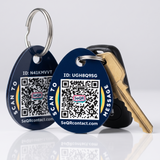
Smart Case for AirTag (2-Pack)
Your AirTag shows where your keys are. SeQR lets whoever finds them reach you.
AirTag not included
- Whoever finds your keys scans the case and messages you, from any phone camera
- Your name, number and address stay off the case
- Clear window holds your AirTag snugly, with a spring-loaded clip for keys and bags
- No app
- No battery
- No monthly fees
Free shipping
- 100-day returns
- 1-year warranty
- Secure checkout
- We don’t sell data
Questions? or email us. A real person replies within 24 hours.
Often added with this
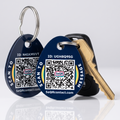 Smart Keychain Tags$19.99 · 2 tags
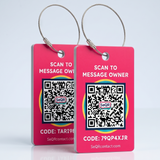
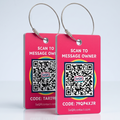 Smart Luggage Tags$24.99 · 2 tags
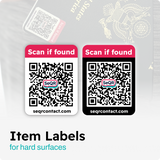
 Lost Item Labels$9.99
Pay with Shop Pay, Apple Pay, Google Pay, PayPal or card.
About this product
An AirTag is great at showing you where your keys are. It can’t tell the person holding them how to reach you. The SeQR AirTag Case does both: your AirTag sits behind the clear window, and the SeQR code on the other side lets whoever finds your keys scan it with any phone camera and send you a message.
You reply privately and decide what to share. Your name, number and address don’t appear anywhere on the case, and the finder doesn’t need an app, an iPhone or an account.
What's in the box
- 2 Smart AirTag Cases, each with its own code
- 2 round spring-loaded keyring clips
- Lifetime access to private messaging
Details
- Case
- Snug-fit case with a clear window for your AirTag on one side, SeQR code on the other
- Clip
- Round spring-loaded keyring clip
- Size
- Same size as a typical AirTag case
- Color
- Navy
- Weather
- Water resistant
- Works with
- Apple AirTag (not included). Finders scan the code with any smartphone camera
- Setup
- About 30 seconds
- Warranty
- 1 year
Your AirTag tells you where. It doesn’t tell the finder who.
An AirTag is a great way to see where your keys ended up. But when someone kind picks them up, they usually have no simple way to get in touch, so the keys sit at a front desk while you watch the map.
You can see your keys, but you can’t reach them
A dot on a map says they’re at a coffee shop or in a stranger’s car. It doesn’t tell you who picked them up.
The finder has no easy way to reach you
Most people who find keys don’t know about lost mode or how to read an AirTag. Without a way to contact you, they hand them in or leave them.
SeQR gives them one
A code on the case that any phone camera opens. They send a message, you reply, and you agree where to meet.
SeQR adds the missing piece
The finder scans the case and messages you. They don't see your name, number or address, and you still have Find My to see where your keys are.
Where people clip a SeQR AirTag Case
Each case has its own code and its own note, so you’ll know exactly which one was found.
-
House and car keys
The AirTag shows where they are; the code lets the finder message you.
-
Backpacks and work bags
Clip it to a strap or zipper pull. Label it so you know which bag turned up.
-
Carry-ons and suitcases
Pair it with a Smart Luggage Tag for the outside of the bag.
-
A parent’s keys
Set up the code under your account and the message comes to you.
How it works
If you can take a photo with your phone, you can use SeQR.
-
Step 1
Pop in your AirTag and scan the code once
Press your AirTag into the case, clip it to your keys and point your phone’s camera at the code. Label it, like “Car keys,” and write a short note.
-
Step 2
Someone finds your keys
They scan the case with any phone camera, iPhone or Android. A simple page opens with your note and a message box. No app, no account.
-
Step 3
You hear from them, privately
We let you know right away by email, text or phone notification. Your AirTag shows you where they are; SeQR tells you who has them.
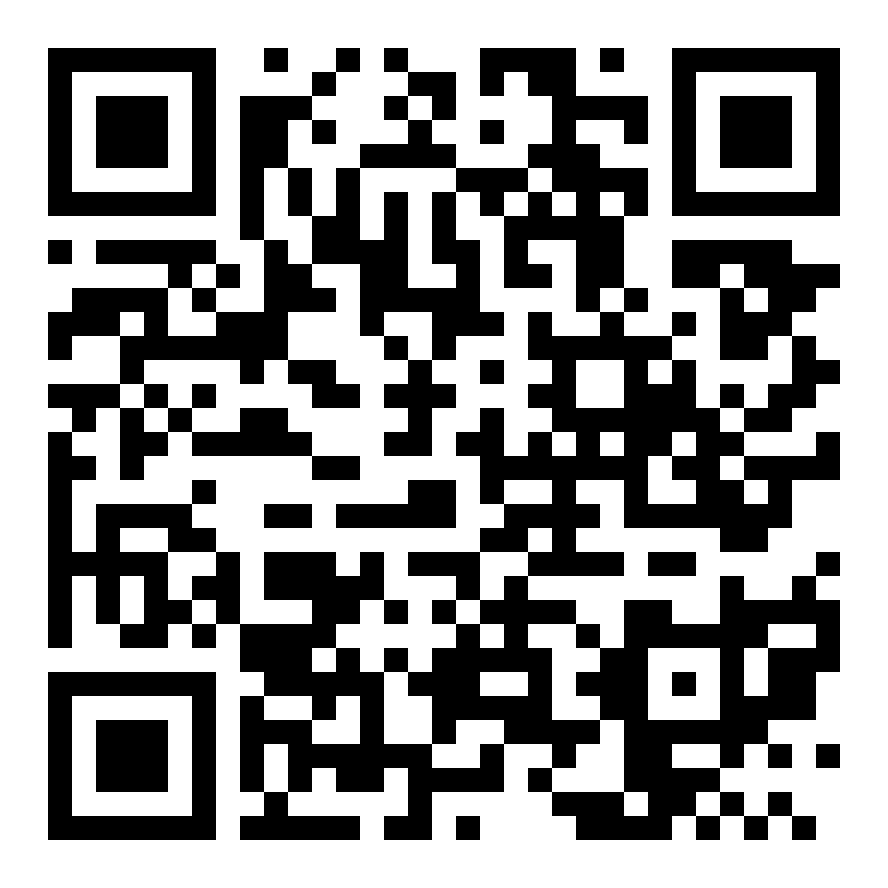
A real SeQR demo tag
Try it before you buy
Point your phone's camera at this code. The page that opens is exactly what a finder sees when they scan one of your tags.
- Open the camera on your phone
- Point it at the code
- Tap the link that appears
It's a demo tag that belongs to us at SeQR, so go ahead and send a message. You'll see it arrive without anyone seeing your number.
What a finder sees, and what they don't
They see
- The note you wrote, like “Thank you! Please message me.”
- A box to send you a message
- A button to share where they found it, if they choose
They don't see
- Your name
- Your phone number
- Your email
- Your home address
We do not sell or share your information.
SeQR AirTag Case vs a regular AirTag case
| Feature | Our pickSeQR AirTag Case | Regular AirTag case | No AirTag |
|---|---|---|---|
| Shows you where your keys are | ✓ | ✓ | ✕ |
| Whoever finds them can message you | ✓ | Only with lost mode on, by tapping an NFC-capable phone | ✕ |
| Your name, number and address stay private | ✓ | Lost mode shows the number you add | ✓ |
| Finder can use any phone camera | ✓ | ✕ | ✕ |
| You write the note the finder sees | ✓ | A short lost-mode message | ✕ |
| No subscription | ✓ | ✓ | ✓ |
Keep using Find My. SeQR adds a way for the finder to reach you.
Reviews
350 verified reviews across the products in this set
Customer Reviews
Tryin to log in. I think they'll be fine once I register the tags. None of the access codes I requested came through. Is this usually a problem for new customers?
I haven’t set up the tags yet. I think this is a great idea and I can’t wait to try them out.
It works fine….
No
Very easy to use
They work well.
Customer Reviews
Good size
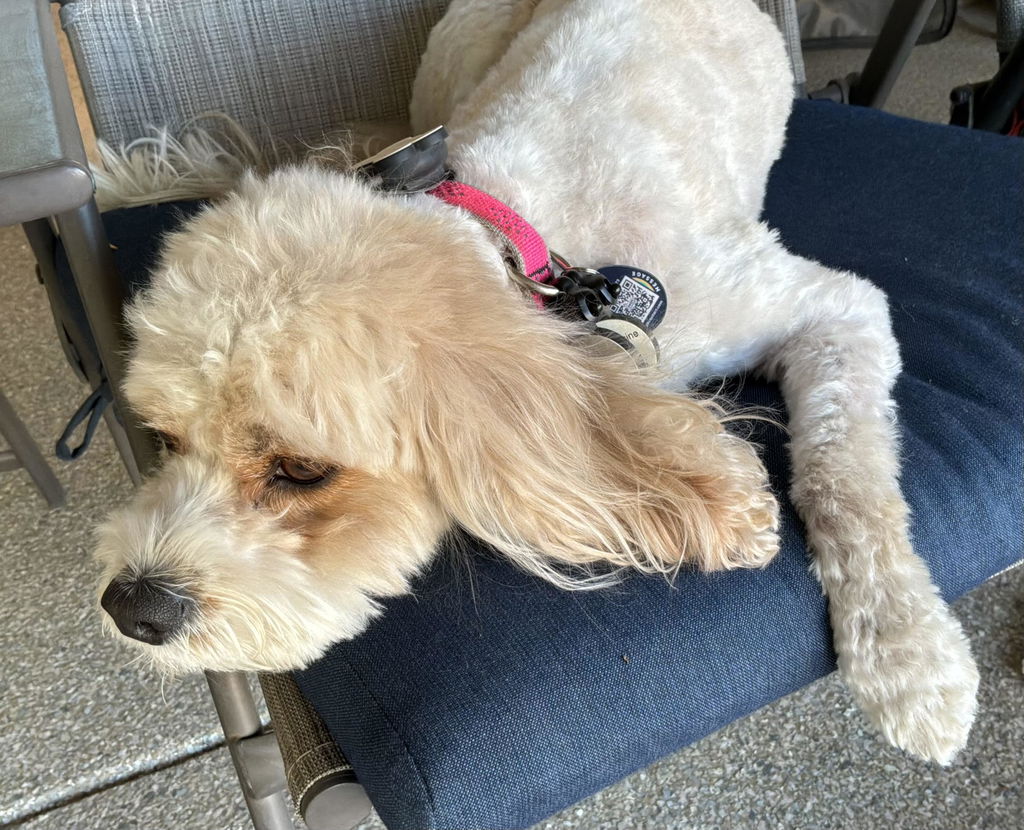
The pet tags are very easy to set up, small and give great peace of mind in the event our pet gets away from us.
We had an issue with the delivery of our item and needed to contact customer service and had the best experience ever. The owner made sure our tags were delivered to us right away and worked with us to get a back up order. We had excellent communication from the company. FIRST RATE SERVICE!
easy to use-can store all the data I need--a great idea that was well executed
Customer Reviews
purchased before just like the new colors for my new luggage
These were my replacements tags. Since one was missing from my suitcase when I landed at the airport in Texas. Suitcase arrived half open, broken wheel and tag missing
I haven't used them yet...downloaded for an upcoming trip but they seem right on target
They look great! Not sure how they'll work as we haven't used them yet. Our trip is coming up and our luggage is being delivered by Luggage Free. Will have to check their guidelines about extra tags on the luggage. If nothing else, we'll put them on the inside! They seem to be very sturdy. GOOD JOB! ..... Jeff Clarke
I am a true believer in the products you have developed and brought to market. The concept is clear. My only suggestion is that you roll out a true iOS app we can use to manage all of our QR Codes.
Thank-you, again.
Questions and answers
Is the AirTag included?
No. The pack has 2 cases and 2 spring-loaded keyring clips. Your AirTag presses into the clear window and stays snug.
I already have Find My. Why add SeQR?
Find My shows you where your keys are. If someone picks them up, it doesn’t give them an easy way to reach you. The SeQR code lets them scan with any phone camera and message you right away, so you can arrange to get them back instead of chasing a moving dot.
Does the finder need an iPhone?
No. Any smartphone camera opens the SeQR page. No app or account is needed.
How do I activate it?
Open your phone’s camera, point it at the code and tap the link. Setup takes about 30 seconds in your phone’s browser. Use the camera app that came with your phone, not a third-party QR scanner app, so the setup page opens correctly.
How will I know if someone finds my keys?
You’ll get a message by email, text or phone notification, whichever you choose. You can reply right away, and the finder doesn't see your contact details.
Will it hold up to everyday use?
Yes. The case is water resistant and holds the AirTag snugly, and the spring-loaded clip stays closed on a key ring or bag strap. If one breaks within a year, we replace it.
Can I use the second case on a bag?
Yes. Each case has its own code and its own note, so label one “Keys” and the other “Backpack” and you’ll know which one was found.
Is there a monthly fee?
No. You pay once for the cases, and messaging is included for life.
What does SeQR do with my information?
Your contact details are only used to deliver messages from people who find your things. We do not sell or share your information.
What if my phone number or email changes?
Nothing to replace. Update your details in your SeQR account and every case you own follows. The code stays the same.