

Smart Luggage Tags
Whoever finds your bag can reach you. They can’t find you.
- Whoever finds your bag can scan to message you in seconds
- Your name, number and address do not need to be shared
- Works anywhere in the world, from any phone camera
- No app
- No battery
- No fees
- 9 colors
Free shipping
- 100-day returns
- 1-year warranty
- Secure checkout
- We don’t sell data
Questions? or email us. A real person replies within 24 hours.
Often added with this
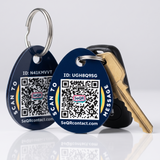
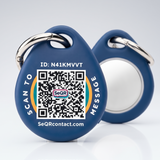
 Smart Keychain Tags$19.99 · 2 tags
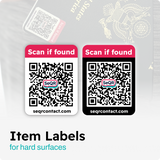
 Lost Item Labels$21.99 · 24 labels
 Smart Case for AirTag (2-Pack)$22.49 · 2 cases
Pay with Shop Pay, Apple Pay, Google Pay, PayPal or card.
About this product
Keep your name, phone number and address off your bags. If your suitcase goes missing, whoever finds it scans the tag with their phone camera and sends you a message. You reply privately, decide what to share, and can change your note anytime, like “Staying at the Marriott until Friday.” Nine colors, so you can spot your bag on the carousel.
What's in the box
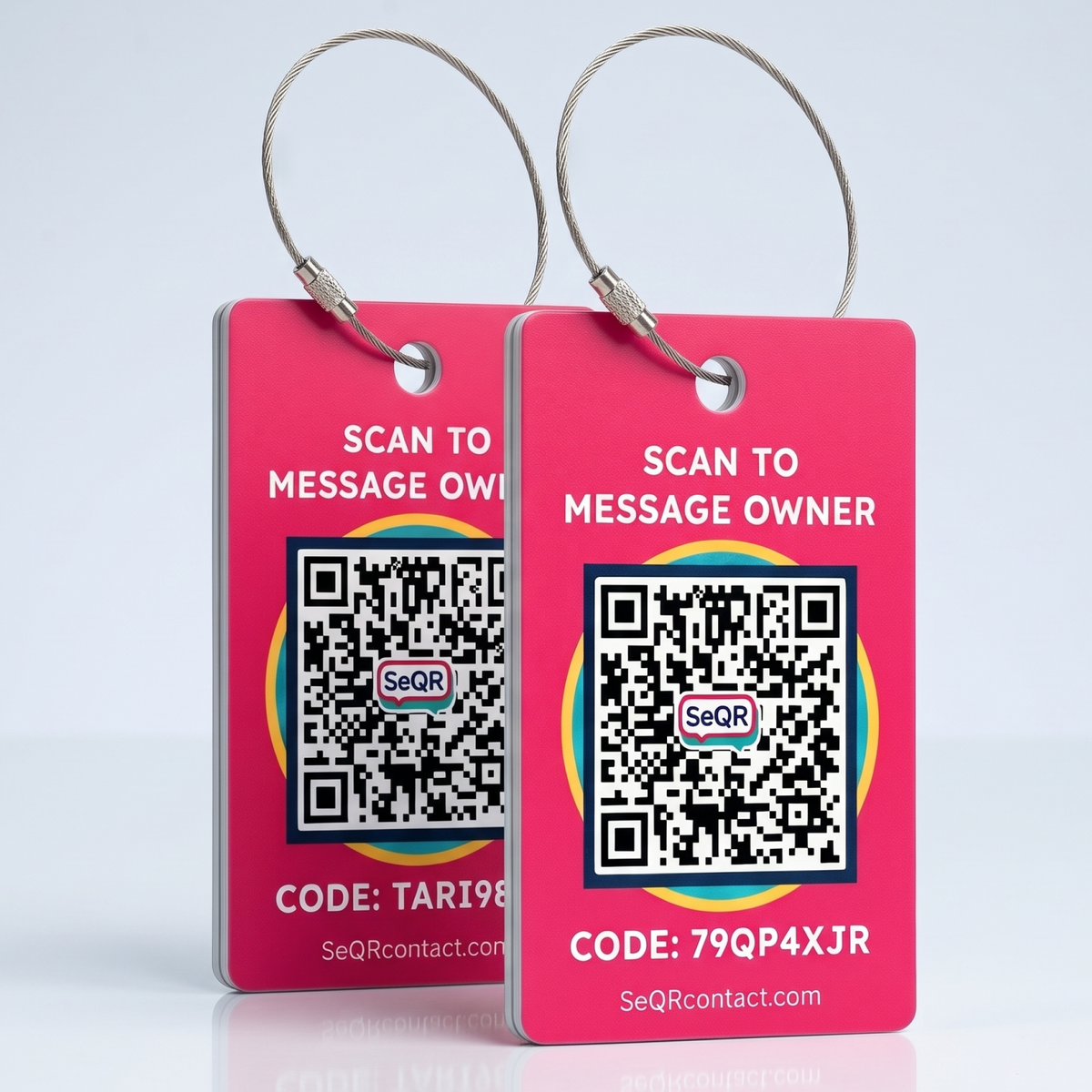
- 2 Smart Luggage Tags, each with its own code
- 2 stainless steel loops with a twist-lock
- Lifetime access to private messaging
Details
- Tag
- Waterproof plastic with a glossy finish
- Loop
- Stainless steel twist-lock, rated for 100+ lbs of force
- Colors
- 9 colors
- Works with
- Any smartphone camera, anywhere with internet
- Setup
- About 30 seconds
- Warranty
- 1 year
Most bags carry a name and number for anyone to read.
A paper tag helps someone return your bag, but it shows your name, phone number and sometimes your address to everyone who handles it along the way.
Your bag passes through a lot of hands
Baggage handlers, hotel staff, drivers and whoever lifts it off the wrong carousel can all read a paper tag.
An address on a tag says the house is empty
A home address on luggage tells a stranger where you live, and that you’re away.
A torn tag is a lost bag
Paper tags tear and airline strips come off in transit. Without one, the bag has no way back to you.
SeQR is the private way to tag a bag
Whoever finds your bag scans the code and messages you. They don't see your name, number or address, so they can reach you without being able to find you.
Where people put SeQR luggage tags
Each tag has its own code, so a pack of two covers two bags, and you’ll know which one was found.
-
Checked suitcases
The bag that spends the most time out of your sight. A handler or a fellow traveler can message you, and your address stays off the tag.
-
Carry-ons and backpacks
Left in an overhead bin, a café or a taxi trunk. The finder reaches you before you’ve noticed it’s gone.
-
Laptop and camera bags
The expensive bag with no name on it. Now it has a way back.
-
Golf, ski and sports bags
Big bags that all look the same at the rental counter or the airport’s oversize belt.
-
Strollers and gate-checked gear
Gate-checked items get separated from you the most. Tag them like a suitcase.
-
Cruise and group-tour luggage
Dozens of near-identical bags in one hallway. Your color and your code make yours easy to return.
How it works
If you can take a photo with your phone, you can use SeQR.

-
Step 1
Attach the tag and scan it once
Twist the steel loop onto your bag and point your phone’s camera at the code. Write a short note for whoever finds it.
-
Step 2
Someone finds your bag
They scan the tag with any phone camera. A simple page opens with your note and a message box. No app, no account.
-
Step 3
You get a message, privately
We let you know by email, text or phone notification. Your number, email and address stay hidden.
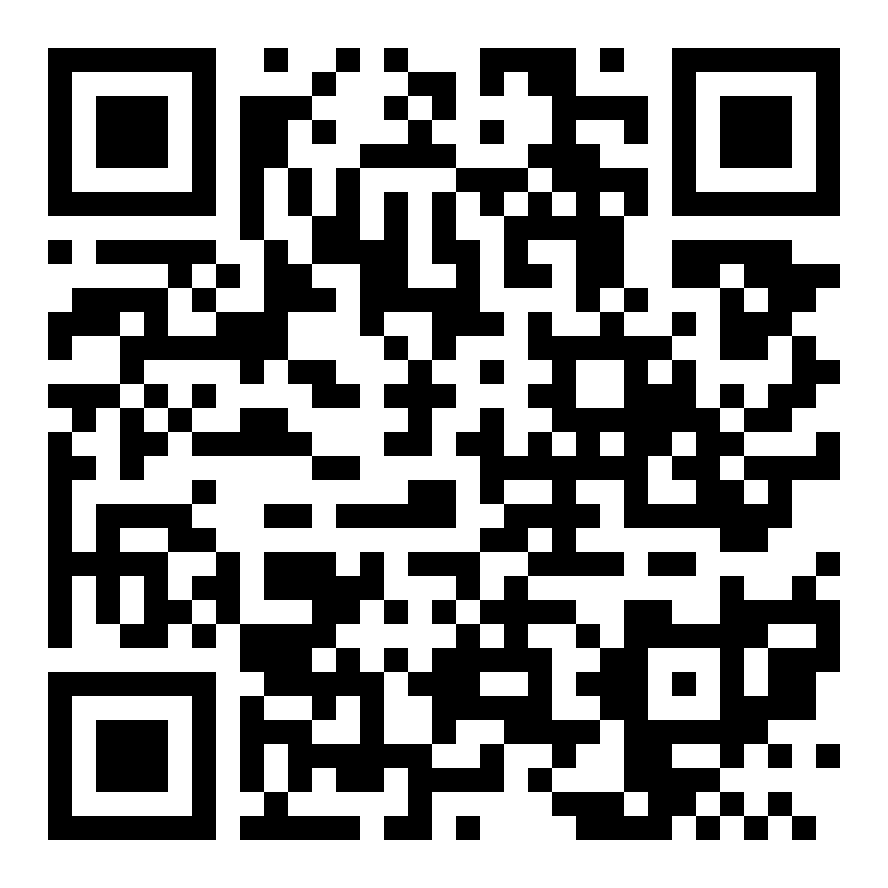
A real SeQR demo tag
Try it before you buy
Point your phone's camera at this code. The page that opens is exactly what a finder sees when they scan one of your tags.
- Open the camera on your phone
- Point it at the code
- Tap the link that appears
It's a demo tag that belongs to us at SeQR, so go ahead and send a message. You'll see it arrive without anyone seeing your number.
What a finder sees, and what they don't
They see
- The note you wrote, like “Thank you! Please message me.”
- A box to send you a message
- A button to share where they found it, if they choose
They don't see
- Your name
- Your phone number
- Your email
- Your home address
We do not sell or share your information.
SeQR vs a paper tag or a Bluetooth tracker
| Feature | Our pickSeQR tag | Paper or engraved tag | Bluetooth tracker |
|---|---|---|---|
| Whoever finds your bag can reach you | ✓ | Only by calling your number | Only if you’ve switched on lost mode, and their phone can read it |
| Your name, number and address stay private | ✓ | ✕ | Lost mode usually shows the number you add |
| No app for you or the finder | ✓ | ✓ | ✕ |
| No battery to replace | ✓ | ✓ | ✕ |
| Change your details anytime | ✓ | ✕ | ✓ |
| Shows you where your bag is | When the finder shares a location | ✕ | Yes, near other phones on its network |
Reviews
318 verified reviews
purchased before just like the new colors for my new luggage
These were my replacements tags. Since one was missing from my suitcase when I landed at the airport in Texas. Suitcase arrived half open, broken wheel and tag missing
I haven't used them yet...downloaded for an upcoming trip but they seem right on target
They look great! Not sure how they'll work as we haven't used them yet. Our trip is coming up and our luggage is being delivered by Luggage Free. Will have to check their guidelines about extra tags on the luggage. If nothing else, we'll put them on the inside! They seem to be very sturdy. GOOD JOB! ..... Jeff Clarke
I am a true believer in the products you have developed and brought to market. The concept is clear. My only suggestion is that you roll out a true iOS app we can use to manage all of our QR Codes.
Thank-you, again.
Questions and answers
How will I know if someone finds it?
You’ll get a message by email, text or phone notification, whichever you choose. You can reply right away, and the finder doesn't see your contact details.
How do I customize my tag? Do I need to send my details when I order?
No. There’s nothing to fill in when you order: every tag arrives blank and ready to set up, and you personalize it yourself once it arrives. Give it a name, like “Blue suitcase”, write the note a finder will see, and choose how you’d like to be alerted. You can change any of it later, as often as you like.
How do I activate my tag?
Open your phone’s camera, point it at the code and tap the link that appears. Setup takes about 30 seconds in your phone’s browser. Use the camera app that came with your phone, not a third-party QR scanner app, so the setup page opens correctly. You don’t need an app, but if you’d like one, the SeQR app is at install.page/seqr. It isn’t in the Apple App Store or Google Play, so install it from that link.
Can I give SeQR tags as a gift?
Yes. Tags aren’t linked to anyone until they’re set up, so the person you give them to scans the code with their own phone and adds their details. It takes about 30 seconds.
Do I or the finder need an app?
No. You set up your tag in your phone’s web browser, and the finder’s camera simply opens a web page with a message box. Nobody has to download anything. If you’d like an app anyway, ours is at install.page/seqr (it isn’t in the App Store or Google Play).
Is SeQR a GPS tracker?
No. There’s no battery and nothing tracking you. When someone scans your tag, they can choose to share where they found your bag, so you know where to collect it.
How is this different from an AirTag?
An AirTag shows you where your bag is. SeQR lets the person holding it reach you. Many customers use both, and the Smart AirTag Case puts both on one keyring.
Will it work if my bag is lost abroad?
Yes, anywhere with internet. Scanning the tag opens a web page, so the finder doesn’t need to make an international call.
How tough are the tags?
They’re waterproof plastic on a stainless steel loop rated for 100+ lbs of force. If one breaks within a year, we replace it.
What does SeQR do with my information?
Your contact details are only used to deliver messages from people who find your things. We do not sell or share your information.
What if my phone number or email changes?
Nothing to replace. Update your details in your SeQR account and every tag you own follows. The code on the tag stays the same.
Does it work outside the US?
Yes, anywhere with internet. Scanning the tag opens a web page, so the finder doesn’t need to make an international call or have a US number.
Is there a monthly fee?
No. You pay once for the tags, and messaging is included for life.